
Editing short-form video people actually finish
Hooks, rhythm, captions, and sound: the editing decisions that decide whether a Reel or Short is watched to the end or scrolled past.
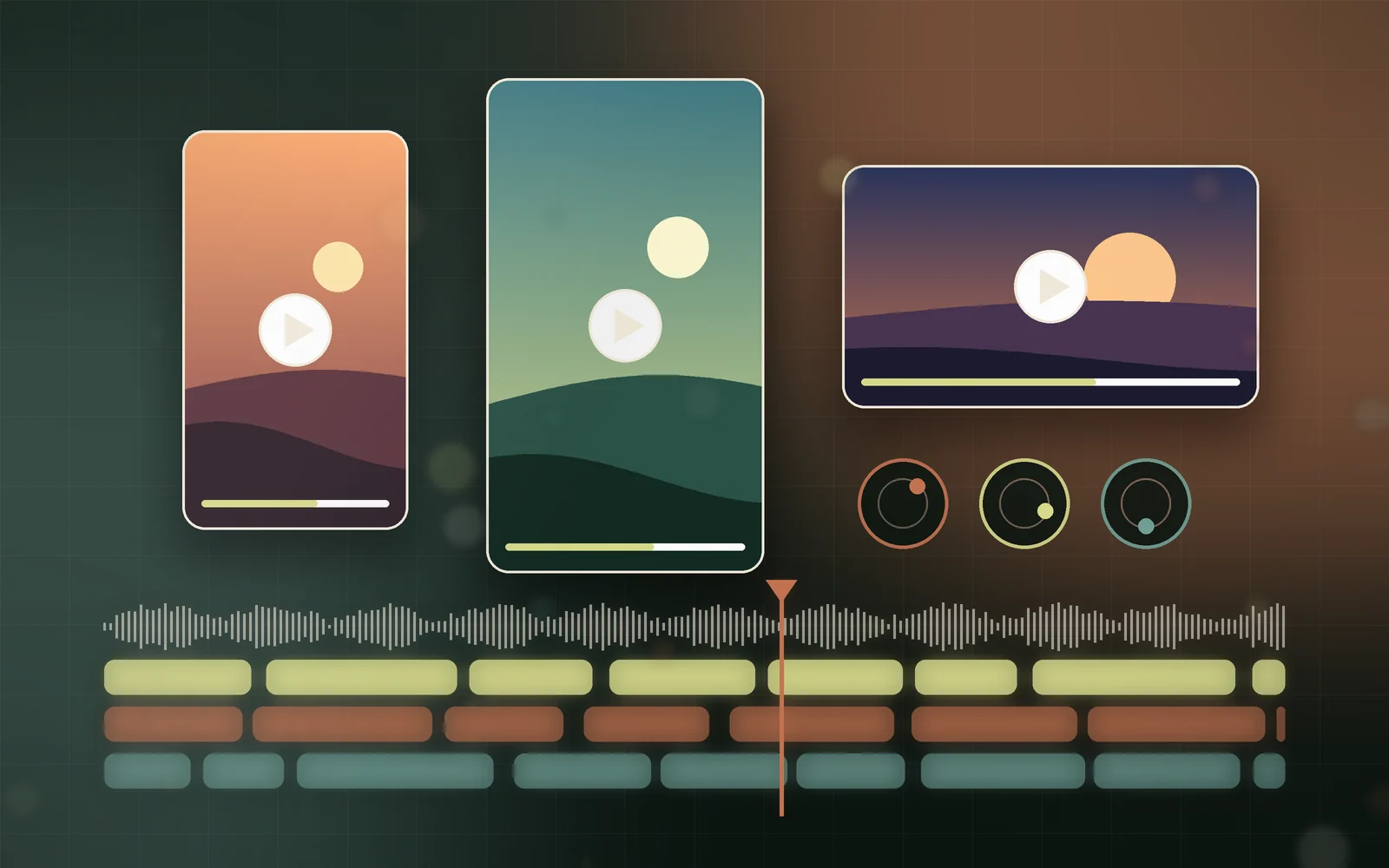
Short-form video is judged in the first second and finished, or abandoned, in the next twenty. Good footage helps, but the edit decides the outcome. These are the decisions we return to on every Reel, Short, and feed video we cut.
Open with the payoff, not the preamble
Most drafts begin where the shoot began: a greeting, a logo, a slow establishing shot. Viewers have not agreed to watch yet, so the opening frame has to earn that agreement. Lead with the most visual or surprising moment, then explain how you got there.
- Cut the first three seconds of almost every draft and see if anything is lost.
- Put a clear subject on screen in the first frame: a face, a product, or a result.
- Let the opening line state the promise of the video in plain words.
Edit to a rhythm, not a running time
Pacing is felt more than noticed. A cut every few seconds keeps energy up, but constant cutting becomes noise. We cut on movement and on the beat of the music, then hold a shot slightly longer whenever something important needs to land.
If a shot does not add information or emotion, it is costing attention.
Captions are part of the design
Many people watch with the sound off, so captions carry the story. Treat them like typography, not subtitles: short phrases, high contrast, and placement that stays clear of platform buttons and faces.
- Keep each caption to one idea, ideally a few words.
- Highlight the single most important word instead of animating everything.
- Check safe zones for each platform before export, because Reels, Shorts, and LinkedIn crop differently.
Sound does half the work
Clean dialogue, a music bed that sits underneath the voice, and small sound effects on key moments make a video feel finished. Balance levels on a phone speaker as well as headphones, because that is where most viewing happens.
One idea, many formats
A campaign rarely lives on one platform. We plan the edit so a single story can become a vertical Reel, a square feed post, and a longer YouTube cut without starting over. Framing wide enough on set, and keeping graphics in separate layers, makes that adaptation fast.
Plan the edit before the shoot
The fastest edits are decided before anyone presses record. A one-page plan that names the hook, the three beats of the story, and the closing action saves hours in the timeline. It also tells the person filming which moments matter, so they capture a clean close-up of the product, a reaction shot, and a few seconds of quiet room tone for audio repairs.
We ask the same questions at the start of every short-form project: who is this for, what should they feel after ten seconds, and what should they do when it ends? If the answers are vague, the video will be too. When they are clear, every cut has a reason to exist.
- Write the opening line first, then plan the shots that support it.
- Capture more coverage than you think you need: wide, medium, and detail shots of every key moment.
- Record thirty seconds of silence in each location so background noise can be cleaned later.
- Shoot vertical-safe framing even for landscape footage, keeping the subject near the centre.
Structure that holds attention
Most finished short-form videos follow a simple shape: a hook that makes a promise, a middle that delivers it in small steps, and a payoff that closes the loop. Each step should change something on screen, whether that is a new angle, a new piece of information, or a visible result. Viewers stay when they sense progress.
Pattern interrupts help in the middle section, where attention naturally dips. A zoom, a cut to a detail, a sound effect, or a caption that asks a question resets the viewer's focus. Used sparingly, they keep momentum without making the video feel frantic.
Every few seconds, the viewer should learn or see something they did not have a moment ago.
Colour, consistency, and brand
A consistent look makes a series of videos recognisable before the logo appears. We set a simple colour grade for each brand: a neutral correction first so skin tones and products look accurate, then a light creative look that matches the brand palette. Saving that grade as a reusable preset keeps every future video consistent.
The same applies to captions, lower thirds, and end cards. A small, documented set of fonts, colours, and animation styles lets any editor on the team produce work that feels like it came from one studio.
Read the numbers, then edit again
Platform analytics show where people stop watching. A sharp drop in the first two seconds points to a weak hook. A slow decline in the middle suggests pacing problems. A drop just before the end often means the payoff arrived too late. Each pattern suggests a specific fix for the next edit.
- Compare average watch time against video length to judge pacing, not just total views.
- Test two different hooks on the same body edit to learn what your audience responds to.
- Note which captions and on-screen text appear at the moments people rewatch or share.
- Keep a simple log of what changed between versions so improvements are repeatable.
Treat each video as a small experiment. Over a few weeks, the data turns editing from guesswork into a reliable process, and the videos people finish become the norm rather than the exception.
Export settings that protect quality
Platforms recompress every upload, so start from the best possible file. Export at the platform's native resolution and frame rate, use a high bitrate, and avoid re-exporting a file that has already been compressed. Check the final upload on a real phone before publishing, because colours, captions, and audio levels can shift after processing.
A quick pre-publish checklist
- Does the first frame make sense with the sound off?
- Can the video lose ten percent of its length without losing meaning?
- Are captions readable on a small phone in daylight?
- Is there a clear next step at the end: follow, visit, or reply?
Great short-form editing is mostly subtraction. Remove what does not serve the viewer, and the story that remains will travel further.