
From spatial data to clearer decisions
How teams can turn drone imagery and measurable digital twins into practical site intelligence for construction, rail, and infrastructure.
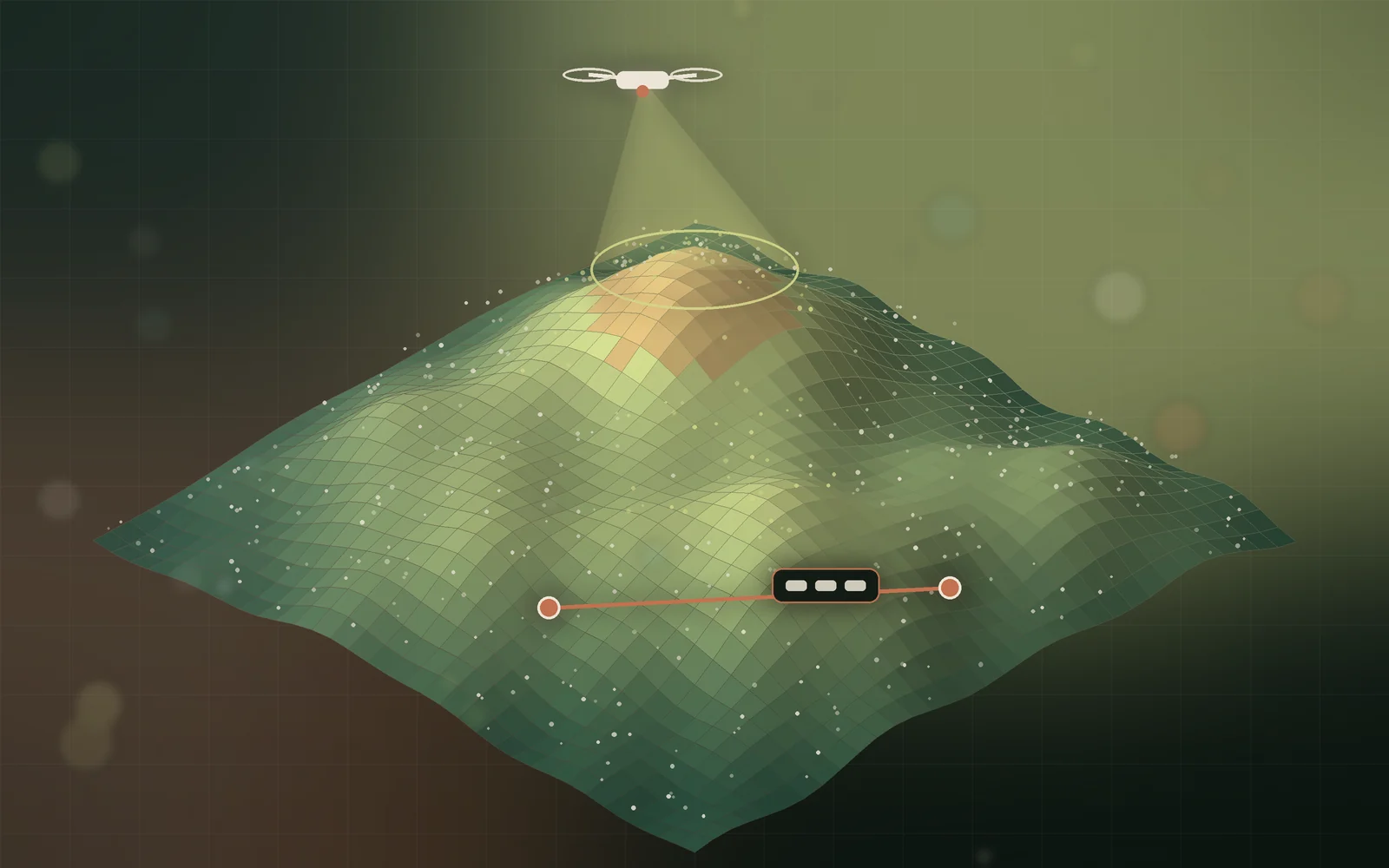
A drone can capture thousands of images of a site in a single flight. The value is not in the images themselves, but in the measurable model they become and the decisions that model makes easier.
Plan the capture around the question
Good outputs start with a clear purpose. Measuring stockpile volumes, documenting progress, and inspecting a façade each need different flight heights, overlaps, and camera angles. Deciding the question first avoids a beautiful dataset that cannot answer it.
- Define what must be measured and how accurately.
- Plan overlap and altitude for the level of detail required.
- Use ground control points when absolute accuracy matters.
Turn imagery into usable outputs
Photogrammetry reconstructs the site as point clouds, textured 3D meshes, and map-accurate orthophotos. Each serves a different audience: engineers measure in 3D, planners work from orthophotos, and stakeholders understand a textured model at a glance.
Measure instead of estimating
Distances, areas, elevations, and volumes taken directly from the model replace rough estimates and repeated site visits. Measurements become consistent because everyone is working from the same digital record.
When everyone looks at the same model, discussions move from opinions to evidence.
Compare over time
Repeated captures turn a snapshot into a timeline. Comparing models week by week shows real progress, highlights deviations early, and creates a clear record for reporting and handover.
Share insight, not just files
Large datasets are hard to pass around. Clear site reports that combine visuals, annotations, and quantities help project teams act quickly without specialist software.
- Agree the decision each capture should support.
- Standardise flight plans so captures can be compared.
- Package results into short, visual reports for each audience.
Choose the right outputs for each team
Drone photogrammetry can produce many outputs, but each team needs something different. Project managers often want orthophotos and progress comparisons. Engineers need accurate 3D models and measurements. Clients and stakeholders usually prefer simple visual reports. Deciding who needs what before processing keeps deliverables focused and easy to use.
- Orthomosaic maps for accurate top-down views and site planning.
- Textured 3D meshes for visual inspection and stakeholder reviews.
- Point clouds for detailed engineering measurements and analysis.
- Digital surface and terrain models for elevation, drainage, and earthworks.
Accuracy depends on control and overlap
The accuracy of photogrammetry outputs depends on how the imagery was captured. High image overlap, consistent altitude, good lighting, and appropriate flight patterns all improve results. Ground control points or high-precision positioning tie the model to real-world coordinates, which matters whenever measurements will inform engineering or financial decisions.
Every deliverable should state its expected accuracy, so teams know when a measurement is precise enough to act on and when it needs on-site verification.
Measure stockpiles, earthworks, and progress
Some of the most valuable uses of drone mapping are measurements that are slow or risky to take on foot. Stockpile volumes, cut-and-fill quantities, distances, and areas can be calculated directly from the 3D model. Repeating captures on a regular schedule turns these measurements into a timeline of progress that can be compared against the plan.
A repeatable capture schedule turns a single map into a record of how the site changed.
Inspection without the risk
Roofs, facades, towers, rail corridors, and other hard-to-reach structures can be inspected from high-resolution imagery and 3D models instead of sending people to height. Inspectors can zoom into details, annotate defects in context, and revisit the same location in later captures to see whether issues are getting worse.
Manage the data, not just the flights
Large sites produce large datasets. Organising captures by date, area, and purpose, keeping processing settings documented, and storing outputs in formats that common GIS and CAD tools can open keeps the data useful for years. Clear naming and versioning prevent teams from making decisions based on an outdated model.
- Store raw imagery, processing settings, and outputs together for each capture.
- Use consistent coordinate systems across every survey of the same site.
- Export in open, widely supported formats for GIS, CAD, and BIM tools.
- Keep a simple log of each capture: date, conditions, coverage, and known limitations.
From models to answers with Spatial RAG
The next step is making spatial data searchable. Spatial RAG links 3D models, orthophotos, measurements, and site documents to an AI assistant, so a project manager can ask which areas changed since the last survey or where a reported defect is located, and receive an answer tied to the model and its evidence.
Plan flights safely and legally
Every drone capture should start with a site assessment and a flight plan that respects local aviation rules, airspace restrictions, privacy, and site safety procedures. Weather, wind, lighting, and obstacles such as cranes or power lines all affect both safety and data quality. Coordinating with the site team ahead of time avoids disruption and makes sure the flight covers the areas that actually need to be mapped.
A short capture brief for each survey, listing the area, outputs, accuracy needs, and safety notes, keeps every flight consistent. Over a long project, that consistency is what makes comparisons between survey dates reliable and useful.
Handled this way, drone mapping becomes part of how a project is managed rather than an occasional survey. Teams see the site clearly, measure with confidence, catch problems sooner, and make better decisions from shared, trustworthy evidence instead of assumptions.
Bring the model into everyday tools
Insight is most useful where work already happens. Exporting measurements to spreadsheets, overlaying orthophotos on design drawings, and sharing a browser link to the 3D model mean site managers, engineers, and clients can all use the same evidence without new software or training.
- Export quantities in formats the commercial team already uses.
- Overlay captures on design plans to spot deviations early.
- Share view-only model links with stakeholders for faster approvals.
Spatial data earns its place when it shortens the path from what is happening on site to what the team should do next.